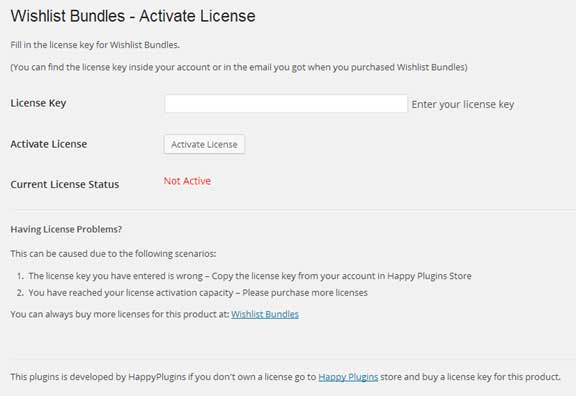
Wishlist Bundles License Activation
After you have installed and activated Wishlist Bundles, you will need to activate the plugin’s license.
Go to the Wishlist Bundles menu under the WL Extensions and insert the license key from the purchase receipt sent to your by mail in the License Key field as seen in the screenshot below: